Making ScreenShooter Production Ready

Overview
ScreenShooter is a Python-based time tracking software I created to help me keep on track with time spent on projects for clients in my freelance business. I wanted something I could have on in the background so that I could focus on the work, minimising the admin.
ScreenShooter v1.0.10 has been released. Download it here
It has been continuously developed over the past year while being in production use. It initially started as a companion piece to my attempt at a web based project-management system "WorkMaster". Due to privacy restrictions and general limitations of the browser actually creating a web app with views of desktop recording of the screen would've been a non-starter. I instead thought of WorkMaster as the general platform for project management and ScreenShooter as the companion software to help add time-tracking and images to the site.
I was going to develop these things in parallel but as I had previously started a massive project more focus came on ScreenShooter as the project that would give me the most help / return immediately. Work has stalled on the wider WorkMaster website implementation while work on ScreenShooter has grown exponentially.
The Road to Now
While the current ScreenShooter repository started on the 3rd of April 2024, the actual genesis of ScreenShooter goes back a few months before to 13 January 2024. I thought that it was going to be a Mac Notification Bar app that you could set and go. Due to complications with screen permissions and Xcode configuration issues I then looked at using Apple Script. While the loop worked, every 10 mins taking a screenshot, there was a memory bug in the rest/wait system which caused my 2015 MacBook Pro to get mad spinning up fans and becoming unusable after a few minutes.
I settled on Python because: 1. It's cross-platform, working on Windows (which would be a nice to have in future) and 2. the package ecosystem which meant adding functionality would be trivial later down the road.
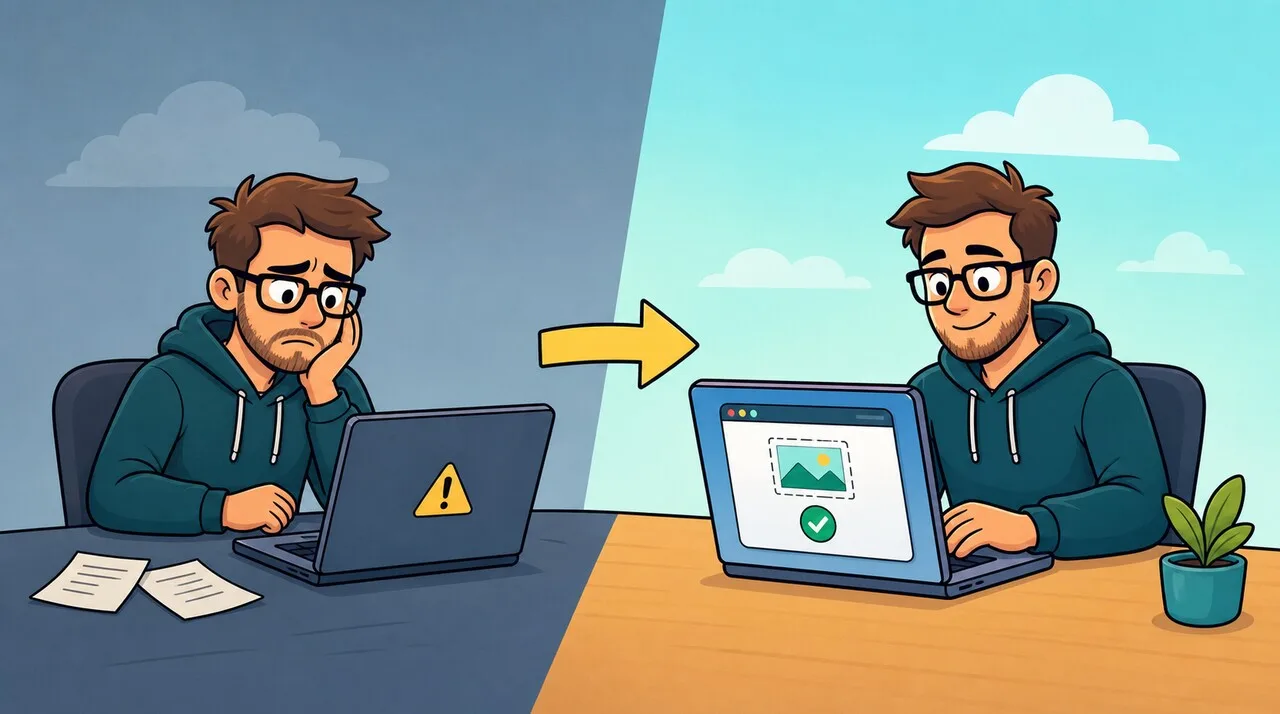
Since the initial python implementation (and a brief attempt at a go based one) I have added features like backup (essential for any work-centric apps), report generation, report upload / S3 implementation and versioning through different upgrade channels. I am now on version 1.0.10 with no sign of stopping.
The Age of AI and the Age of Personal Software
Admittedly at the time I didn't expect this to become so essential to my workflow but here we are. Over the past year it has allowed me to secure £10,000 from associated clients that require me to track my hours. While tracking hours isn't essential to get paid it helps backup work I've done with screenshots of the actual work and also with the notes feature I believe it helps show my thought process of why I chose a specific direction or my reasoning for focus on a given aspect of work over another.
I keep coming back to this quote I heard recently about the impact of AI on the software market. Something along the lines of "We've moved from the age of the personal computer to the age of personal software" and that is genuinely how I feel with ScreenShooter. Regardless of whether other people use it or not, I know terminal based apps have quite the skill floor, it doesn't matter because this software that I made for myself has made my life better.
Roadmap
So why this post? If I don't care about it actually being used by other people as I've found use for it myself why focus on it becoming "Production Ready"? Put simply I was asked this in an interview. Not so much asking about code but trying to gauge my thought process towards software packaging, prioritising features and seeing if I can put myself in the client's shoes as users.
While in the interview I thought I gave a good enough answer (I got asked back to the next stage after all) I've been thinking about this nonstop since then. Below are a few features / integrations I would like to have to make both the user experience and general functionality better for useful for oncoming users.
Testing
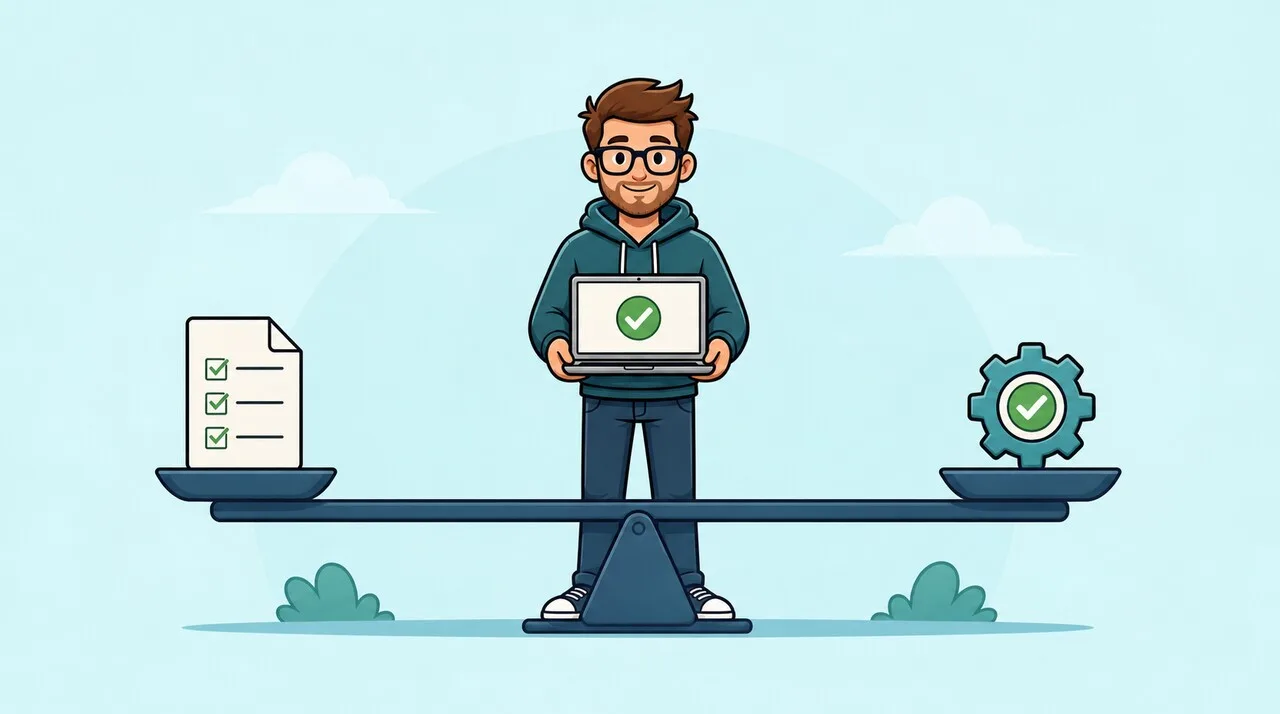
While for the benefit of the developers, the users will themselves benefit from more stable software. As ScreenShooter has got more complex in its code having to manually test everything has become quite involved. While I see the benefit in, and still strongly prefer, manual end-to-end testing it is quite time-consuming.
Admittedly I'm quite new to automated testing in terms of mocks and unit testing but being able to pass the testing suite before committing something out into the wider world offers some that oversights in data or flawed assumptions can be kept in check before anything catastrophic happens. I'm painfully aware of the need for rigorous testing, don't forget people (including me) use this for work. I'm also aware that adding features too fast limits the ability to review the code, potentially making it more unstable. It's about finding a balance between testing, "innovation" and maintaining usability without getting too lost in test coverage.
Incremental Backups
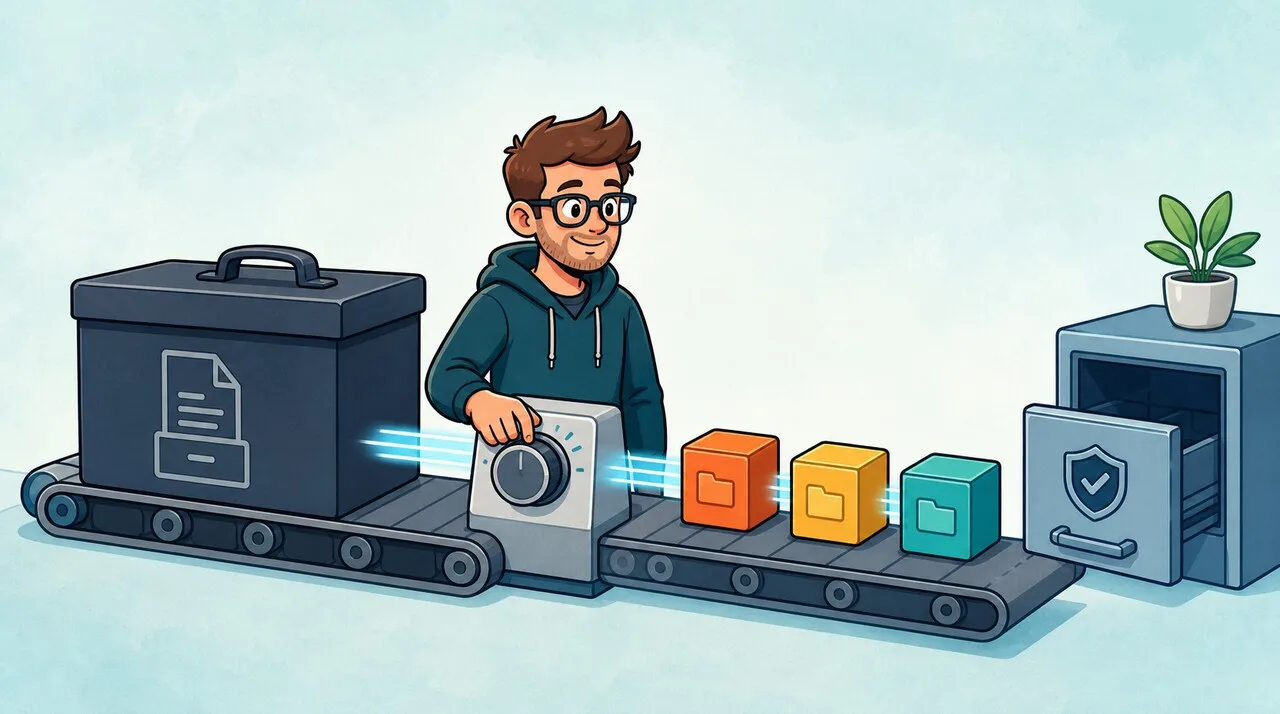
While backup functionality exists in ScreenShooter the options to either do a database, settings or full backup are quite limiting. As someone that has used this quite substantially over the last year the backup files have become quite large and having to wait for minutes between encryption and transfer for full backups while "more complete" also sacrifice time.
Within this I think it's important to find a balance between backup and recovery if something goes wrong. I also want to give options on what to back up (only active clients/projects) or anything else.
Web / Computer Sync
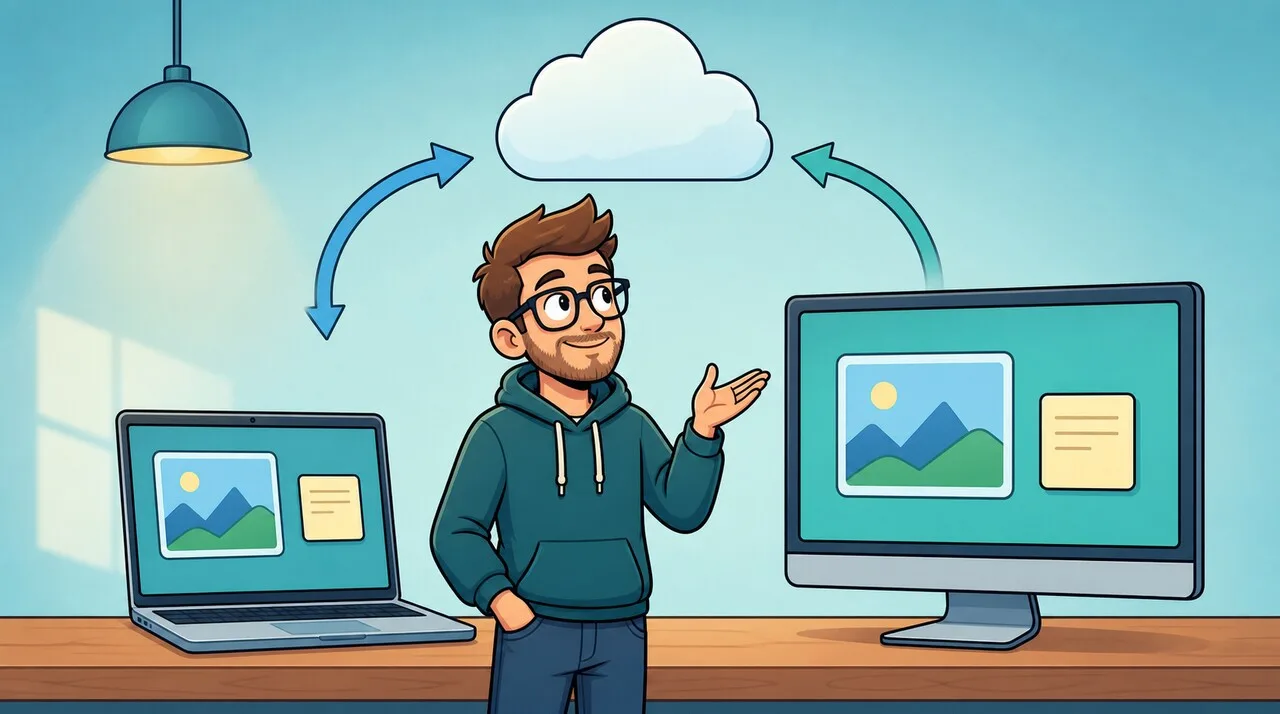
This goes back to the original idea of ScreenShooter being an offshoot of the WorkMaster platform where WorkMaster was meant to be more so a sync layer across multiple computers while enabling a more streamlined client facing experience with project organisation features and file sharing facilities.
It's still my intention to make this into something that others can use. In the past I've seen ScreenShooter as something to make WorkMaster more useful. Now I can confidentially say that the opposite is true. The WorkMaster platform will instead make ScreenShooter more useful. The syncing up and down of notes, screenshots and project data could expand it from a primarily single computer setup and open the possibilities of collaboration based approaches. Whatever these new experiences might be only time will tell.
Something to think about however is if I look towards implementing this sync function the economics need to make sense as hosting the infrastructure is not cheap and my time is valuable (something ScreenShooter has allowed me to see). Again balance is key.
Conclusion

The future for ScreenShooter looks bright. The future for this truly personal software I made to solve my own problems looks like it might become something more impactful than intended. While these 3 improvements might seem simple or "table stakes" I think it's important to underscore the theme of balance.
It's easier than ever to create personal software especially with AI being your co-pilot, or taking the reins completely. There's no need to spend hours on software being trying to make it perfect. Especially under time pressure or monetary restraint from clients. Make your own software to solve your problems, whether for a day, a week or a year. It doesn't matter. What matters is that you keep the intent, and restraint, when deciding what to do next. Your time is value, your software might be too, it's important to meet the moment. Come back to it later if able, or one and done. It's about finding the balance.